Sleep Lessons via Canva, Canvas, Powerpoint, and I Spring.
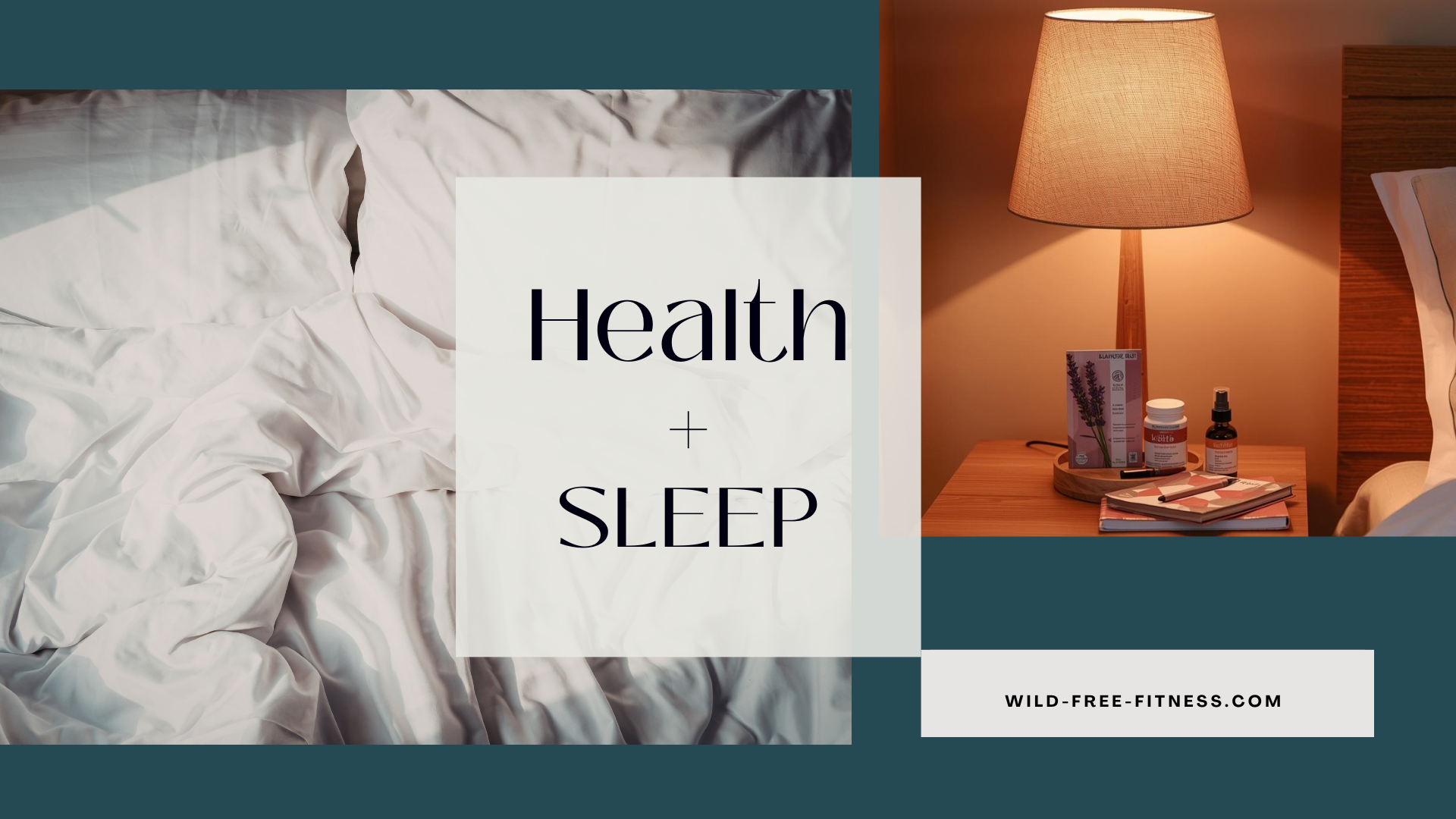
The Consequences of Not Sleeping - Canva
Here I used Canva to design a video to address sleep. Relying on adult learning theory, I opted to address the negative consequences of not sleeping. Multi-media principles guided my decisions to apply visuals with the text. Canva provided a rich variety of stock videos for visual features. I chose youtube to platform the video.
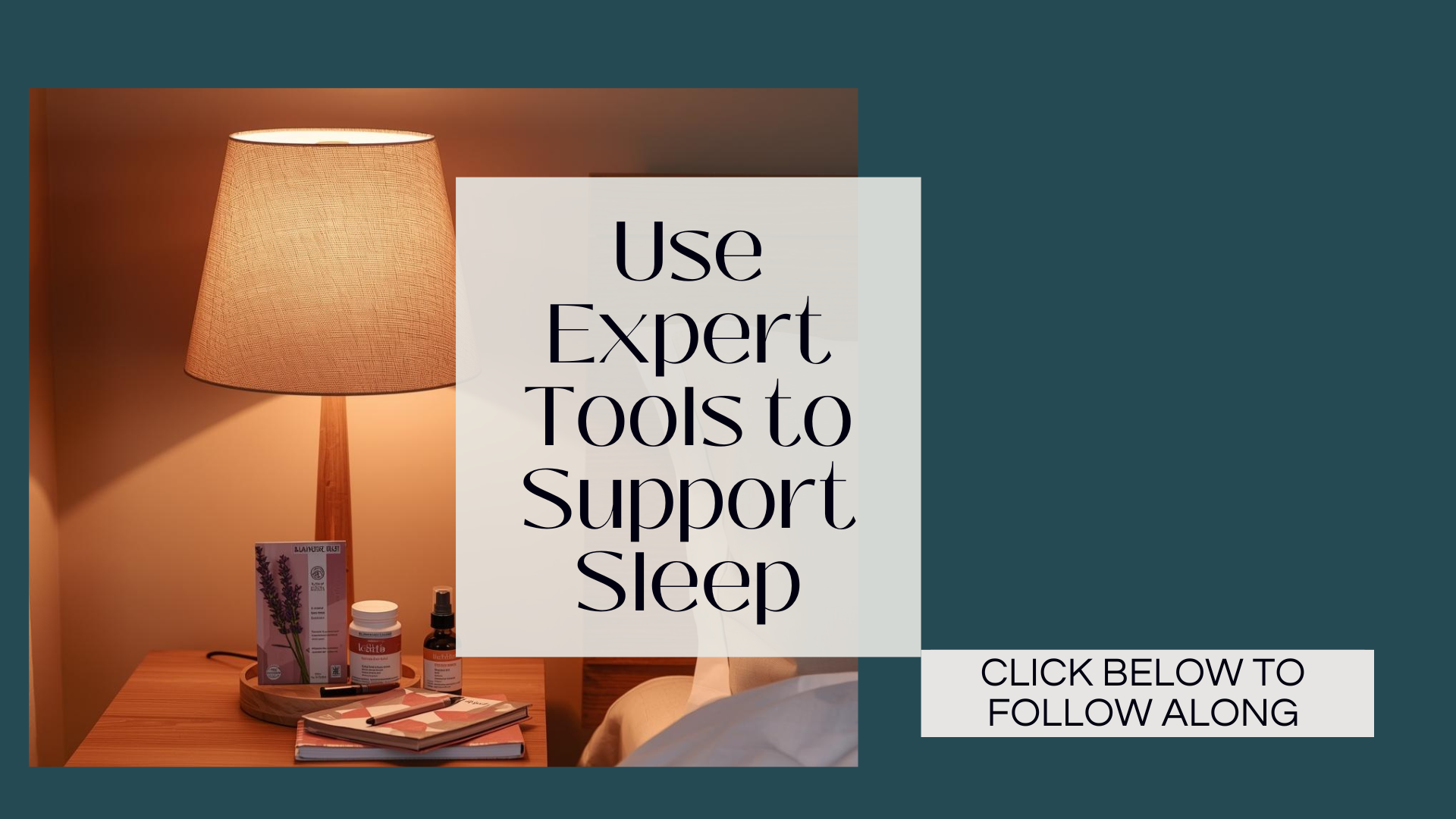
Better Sleep: Tips and Habits - Canva, Powerpoint, I-Spring
Deliverable: My corresponding Microsoft PowerPoint presentation on Sleep was designed to teach a learner how to support better sleep. However, I discovered that Canvas could not support this feature without the addition of I-Spring for the quizzes. My recorded audio did not transfer correctly. This was a great learning opportunity at using the correct corresponding tools.
In order to build the presentation, I used the branding tool within Canva to match colors and font to the previously created video. After building in Canva, I transferred to PowerPoint and then created quiz slides in Canva to supplement the missing pages. I then was able to load into Canvas for my lesson plan.
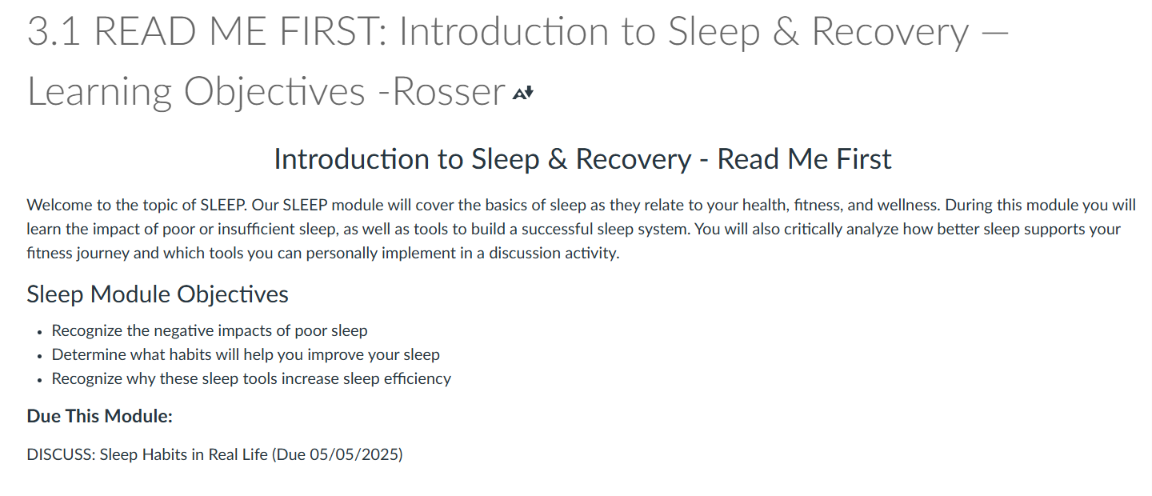
Page 1: I started my lesson plan in Canvas by:
Introducing the topic
What a learner can anticipate learning
Module objectives
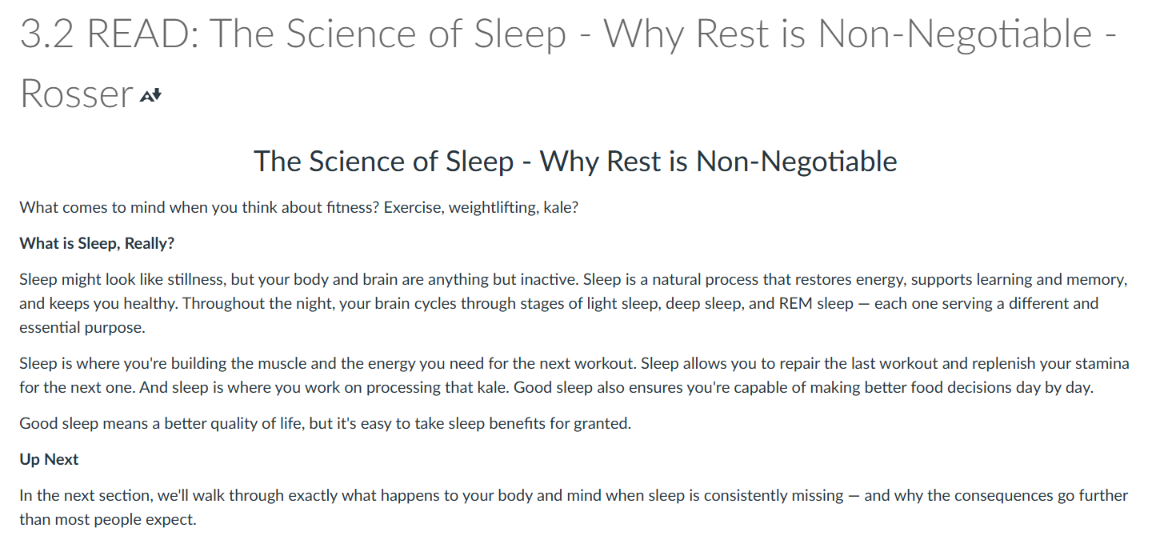
Page 2: I continued my lesson plan in Canvas by:
Defining the object of the lesson.
Explaining the importance of the topic.
What adult learners can expect to learn next.
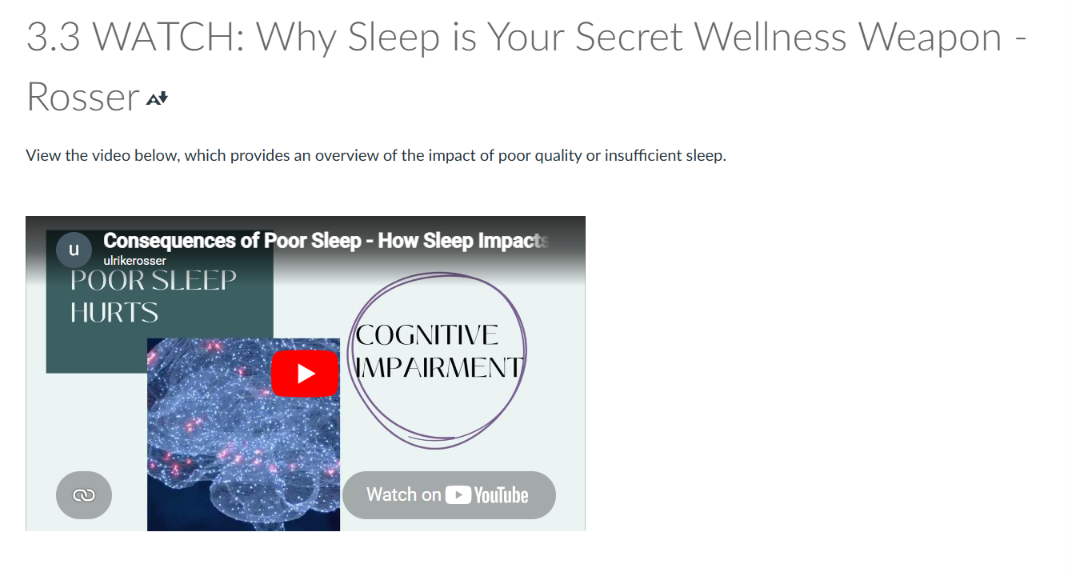
Page 3: I continued my lesson plan in Canvas by introducing the video lesson on sleep, rooting the adult learner in “why.”
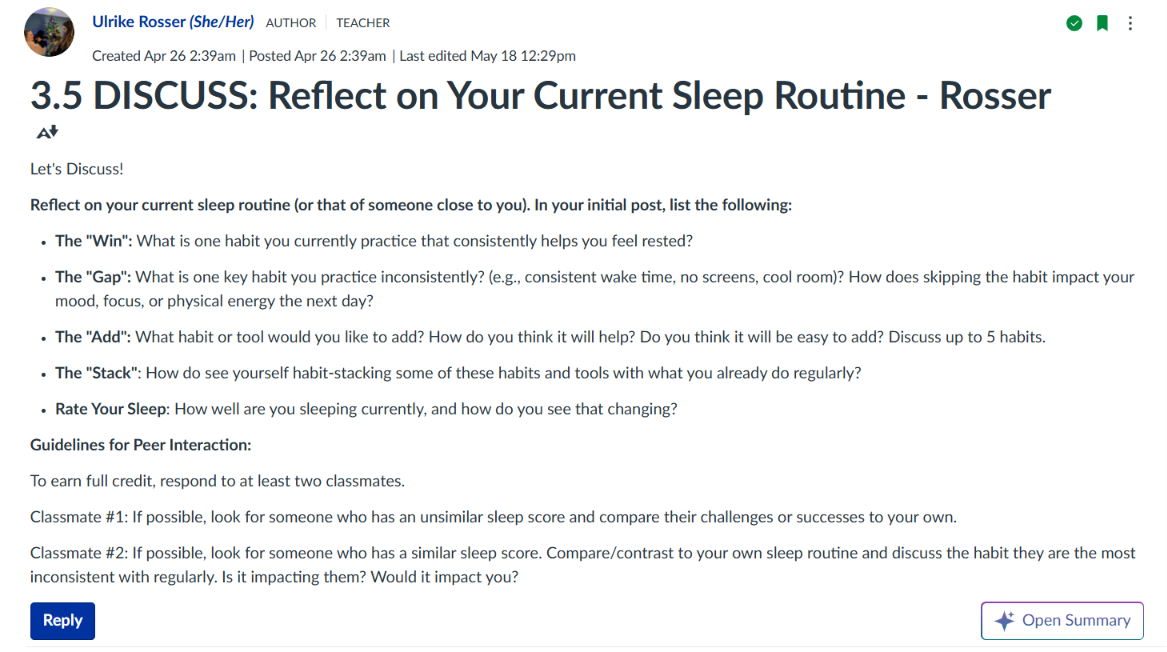
Page 5: After presenting the PowerPoint interaction explaining sleep tools, I finished my lesson plan by asking the adult learners to reflect on what they’d learned and what they were currently doing, and then see how these two interacted. By allowing the student to picture their own routine, I then encouraged them to discuss the impact of good and bad habits with their peers to further contextualize the lesson.